

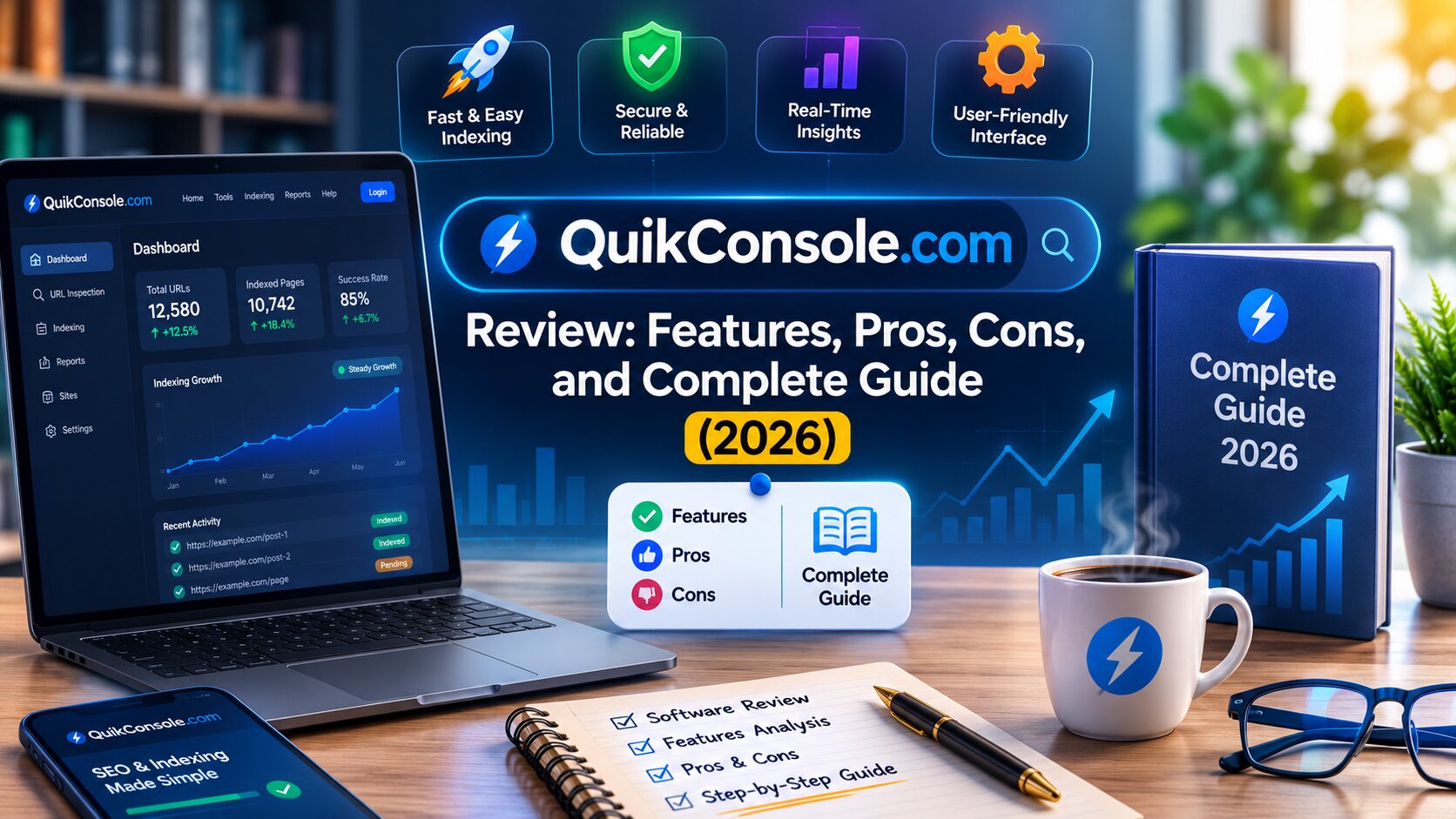
Most businesses today aren’t running one piece of software — they’re juggling five, ten, sometimes fifteen different tools just to keep daily operations moving. Project tracking lives in one app, team chat in another, analytics somewhere else entirely. Every added tool means another login, another subscription, another integration that might break.
QuikConsole.com positions itself as the fix for that sprawl: a single, centralized platform meant to bring core business functions — project management, analytics, automation, and communication — into one dashboard.
This guide breaks down what QuikConsole.com actually offers, who it genuinely fits, where it falls short, and how it stacks up against more established alternatives.
What Is QuikConsole.com?
QuikConsole.com is a web-based, all-in-one business platform built around a single centralized dashboard for managing day-to-day operations. Rather than switching between separate apps for tasks, communication, analytics, and workflow automation, the platform consolidates those functions into one workspace.
Its positioning is notably broad. On one side, it targets business users who need project management, team collaboration, and reporting. On the other, it courts developers and system administrators who want console-style tools for executing technical tasks quickly. That dual focus gives QuikConsole an unusually wide feature set for a platform of its size — part business operations hub, part technical console.
QuikConsole.com Features Explained
Unified Dashboard
The dashboard is the platform’s central hub — the single screen meant to replace the need to jump between multiple tabs and tools throughout the day. From there, users can typically track project status, check performance metrics, view team activity, and trigger automated workflows without leaving the page.
The 2026 version of the dashboard reportedly received a redesign aimed at reducing visual clutter and speeding up load times, with the goal of surfacing relevant information faster rather than requiring users to dig through dense data views.
For businesses tired of juggling separate apps just to get a full picture of what’s happening, this single-screen approach is the platform’s core selling point.
AI-Powered Analytics
Beyond standard reporting, QuikConsole.com incorporates AI-driven analytics intended to move past simply showing data toward suggesting next steps. Rather than just displaying that engagement dropped or a deadline is at risk, the system is designed to flag the issue early and recommend an adjustment — reallocating budget, changing a workflow sequence, or catching a project falling behind schedule before it becomes a real problem.
For smaller teams without a dedicated data analyst, this kind of automated insight can add real value — turning raw numbers into something actionable without requiring in-house analytics expertise.
No-Code Workflow Automation
The automation engine is one of the platform’s more frequently highlighted strengths. Workflows can reportedly be built without writing code — a meaningful feature for smaller teams that don’t have developers on staff to build custom internal tooling.
A typical automated sequence might look like: task created → assigned to a role → deadline set → reminder sent → status updated → report generated — running end-to-end without manual intervention once it’s triggered.
Supporting task management features generally include role-based assignment, deadline tracking with automated reminders, and priority sorting so the most urgent items surface without manual review.
Cloud Integration and Mobile Access
QuikConsole.com is built cloud-first, meaning data and workflows sync across devices without relying on local storage. Teams spread across different cities or time zones can work from the same live dataset instead of juggling outdated local files or version conflicts.
The platform also supports mobile and tablet use, with a responsive interface intended to carry most of the desktop’s core functionality — task management, analytics, and communication — to smaller screens, rather than offering a stripped-down mobile afterthought.
Security and Blockchain Audit Trail
Standard protections include encryption for data both in transit and at rest. What sets QuikConsole apart from many comparable platforms is an optional blockchain-based audit trail, creating a tamper-resistant record of activity logs stored across distributed nodes.
For businesses in regulated industries that need to demonstrate an unaltered activity history for compliance purposes, this kind of verifiable audit trail is a genuinely uncommon feature at this platform tier.
What’s New in the 2026 Update
The most recent update cycle focused heavily on interface performance and usability. Page load speed reportedly improved meaningfully compared to the prior version — a change that compounds quickly for a tool used dozens of times a day. Navigation was also simplified, aiming for a more linear structure with fewer clicks between a user and the feature they need.
Notably, the 2026 release also introduced sustainability tracking, letting businesses monitor energy use tied to their digital operations — an unusual addition for a business management platform, and one that reflects growing interest in environmental reporting among mid-sized companies.
Who Is QuikConsole.com Best Suited For?
- Developers and system administrators who want fast, console-style tools for managing technical processes without heavy setup.
- Small and mid-sized businesses currently juggling several separate subscriptions who want to consolidate onto one platform.
- Remote and distributed teams that need consistent access across devices and time zones.
- Businesses with compliance needs that benefit from a verifiable, tamper-resistant activity log.
- Owners and managers who want insight, not just data — the AI analytics layer is built to translate metrics into recommended action.
It’s probably not the right fit for:
- Large enterprises needing deeply customized workflow systems beyond what an all-in-one platform typically offers
- Businesses that depend on specialized third-party integrations outside QuikConsole’s current library
- Teams that need extensive documentation, video walkthroughs, and structured onboarding before adopting new software
Honest Limitations Worth Knowing
No review is useful without being upfront about the downsides.
Documentation is thin. A recurring criticism across independent write-ups is that QuikConsole leans on user exploration rather than structured onboarding. The interface is clean, but that simplicity doesn’t always come with the contextual guidance — tooltips, walkthroughs, clear feature explanations — that new users need to get up to speed quickly.
Independent verification is limited. Compared to established platforms with public case studies and verified reviews on sites like G2 or Clutch, QuikConsole’s presence online leans more on third-party feature write-ups than independently confirmed customer outcomes. That’s worth factoring into any due-diligence process before a full migration.
Data compliance details are unclear. Some reviewers note that the platform doesn’t clearly spell out its data protection compliance standards. For businesses operating under strict data privacy regulations, that’s a detail worth confirming directly before adoption.
Coverage across sources is inconsistent. Different write-ups describe QuikConsole with noticeably different emphases — some lean toward developer and gaming-adjacent tools, others toward business operations. That inconsistency likely reflects a platform still evolving quickly, but it does make it harder to pin down exactly what the product is at any given moment.
None of this rules QuikConsole out — but it does mean going in with realistic expectations and doing your own verification before committing critical workflows.
QuikConsole.com vs. Established Alternatives
vs. Monday.com — Monday.com has far deeper third-party integrations, richer documentation, and verified enterprise case studies. QuikConsole counters with AI-driven analytics and a blockchain audit trail that Monday.com doesn’t offer natively, but it can’t yet match Monday’s track record of verified credibility.
vs. Asana — Asana is a sharper, more focused tool for task and project tracking. QuikConsole casts a wider net, folding in analytics and automation that Asana typically handles through third-party integrations rather than natively.
vs. Notion — Notion is powerful and flexible but demands real setup effort to fit specific workflows. QuikConsole offers more out-of-the-box structure, with automation and analytics built in rather than bolted on.
Where QuikConsole genuinely stands out:
- AI analytics that suggest actions, not just report numbers
- A blockchain audit trail for compliance-sensitive businesses
- No-code automation accessible to non-technical teams
- One subscription replacing several overlapping tools
- Full-featured mobile and tablet access
- Sustainability tracking, a feature rarely seen at this level
Final Verdict
QuikConsole.com is a genuinely interesting entry in the crowded all-in-one business platform space. The AI analytics, no-code automation, and blockchain audit trail point to a forward-looking product, and the 2026 update shows the team is actively investing in the experience.
That said, the gaps are real. Thin documentation raises the learning curve more than the clean interface suggests, independently verified outcomes are still limited compared to established competitors, and data compliance details need more clarity for regulated industries.
For a small or mid-sized business willing to explore its way through onboarding in exchange for a consolidated, AI-forward platform, QuikConsole is worth a serious look. For teams that need extensive documentation and verified case studies before adopting new software, it may be worth waiting for the platform’s track record to mature further — or comparing it directly against more established options first.
Frequently Asked Questions
What is QuikConsole.com?
It’s a web-based, all-in-one business platform that combines project management, workflow automation, AI-driven analytics, cloud storage, and team communication into a single dashboard.
Is QuikConsole.com free to use?
Pricing details aren’t fully documented publicly. Check current plans and terms directly on the official site before committing to a migration.
What makes QuikConsole.com different from other tools?
Its combination of AI-generated recommendations, no-code automation, and a blockchain-based audit trail in one platform is fairly unusual — most competitors offer these as separate add-ons, if at all.
Is QuikConsole.com beginner-friendly?
The interface is minimalist and easy to navigate visually, but limited documentation means new users may need to explore features hands-on rather than following structured guidance.
Has QuikConsole.com been independently verified?
Coverage exists across several third-party sites, but verified customer outcomes and case studies remain limited compared to more established platforms. Standard due diligence is recommended before any major workflow migration.